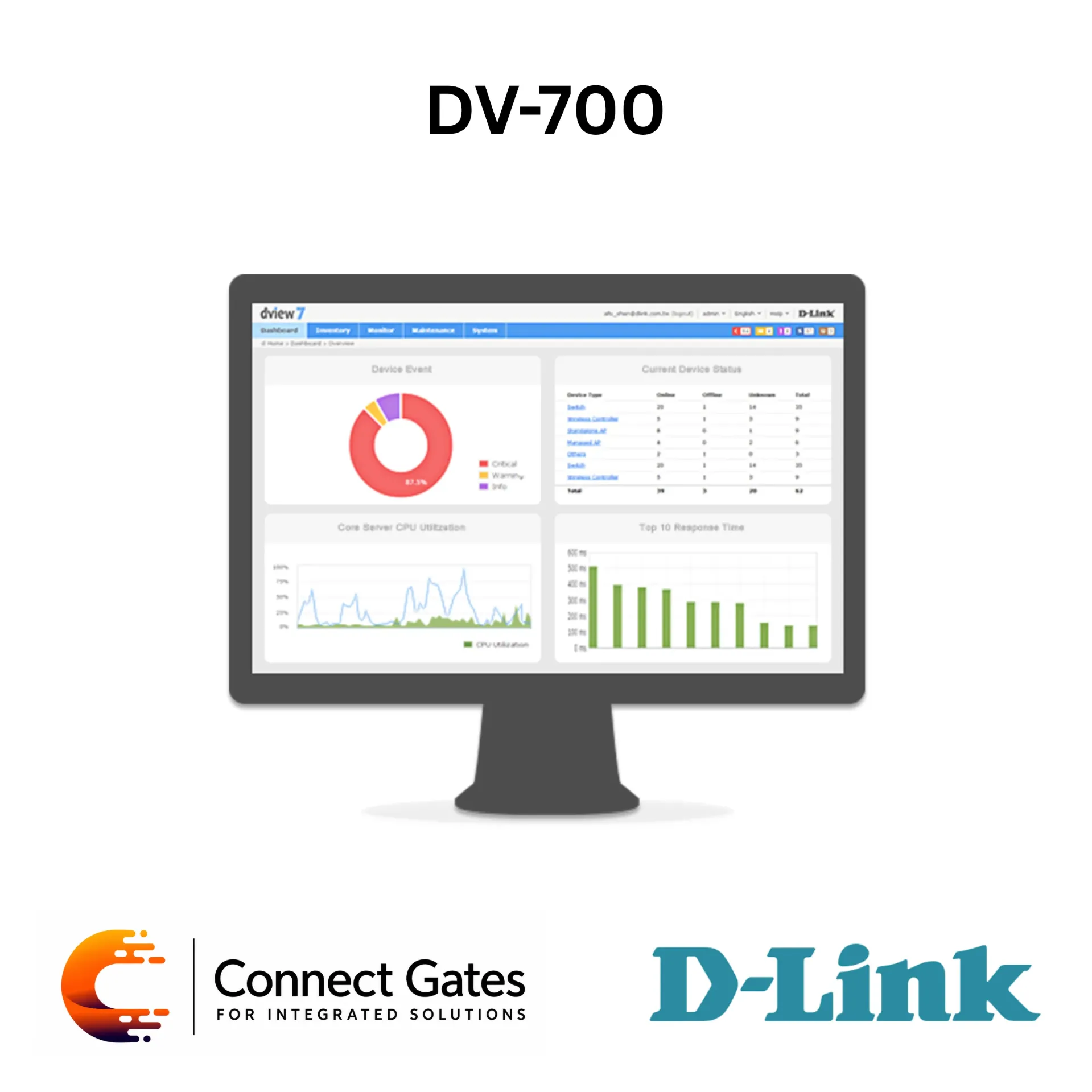
D-Link DV-700 – D-View 7 Network Management System with SNMP Monitoring, Auto-Discovery, Dashboard, Topology View & Multi-Device Configuration
Overview:
• The D-Link DV-700 is the D-View 7 Network Management System, a comprehensive standards-based software tool designed to centrally manage and monitor network infrastructure.
• It helps administrators manage critical network characteristics such as availability, reliability, resilience, and security from one centralized platform.
• D-View 7 uses web-based technology, allowing access to the management toolbox without installing software on each client device.
• The system is built on a server-probe architecture, making it suitable for complex networks, remote sites, devices behind NAT, and locations where direct SNMP access may not be available.
• It supports SNMP v1, v2c, and v3, device auto-discovery, scheduled tasks, event notifications, syslog collection, SNMP trap collection, and batch configuration.
• The platform also supports third-party device management by identifying devices based on SOID and managing them using CLI scripts.
Key Features:
• Centralized network management system.
• Web-based management interface.
• Server and probe architecture for flexible deployment.
• Supports management of remote sites, NAT environments, and devices behind firewalls without VPN.
• Supports SNMP v1, v2c, and v3.
• Device auto-discovery and smart scan by neighborhood.
• Supports IPv4 address range scan.
• Supports LLDP and FDB-based link discovery.
• Auto-generated network topology.
• Real-time device status on topology view.
• Dashboard for wired and wireless device summaries.
• Customizable dashboard and chart system.
• Supports SNMP trap and syslog collection.
• Event notification and escalation support.
• Supports batch configuration for multiple devices.
• Supports CLI script dispatch across multiple devices.
• Supports firmware upgrades for single or multiple devices.
• Supports scheduled and periodic configuration backup and restore.
• Supports third-party device management.
• Supports Smart and Managed Switches, Unified Switches, Unified Access Points, Wireless Controllers, and Wireless Access Points.
Technical Specifications:
• Product Type: Network Management System
• Brand: D-Link
• Model: DV-700
• Software Name: D-View 7 Network Management System
• Architecture: Standard server-client web architecture
• Deployment Architecture: Server and probe architecture
• Multi-Tenant Architecture: Supported
• Remote Site Management: Supported through probe design without VPN or behind NAT
• User Management: Read-write and read-only privileges by modules
• Supported Languages: English, Simplified Chinese, Traditional Chinese
• SNMP Support: SNMP v1, v2c, v3
• Device Discovery: SNMP scan, IPv4 address range scan, smart scan by neighborhood, LAN discovery by probe
• Link Discovery: LLDP and FDB-based link discovery
• Auto Discovery: Periodic discovery with specific time period
• Inventory Management: Inventory and device export, device grouping by labels
• Monitoring Methods: SNMP and Ping
• Topology View: Auto-topology generation, customized topology generation, device status display, link status display, tree and star topology structures
• Panel View: Switch panel and LED status, stacking switch panel view
• Status Polling: Ping and SNMP with customizable polling time
• Events & Notifications: Rule-based threshold events, value match, keyword match, keyword combination match, escalation rules, email notifications
• Device Configuration: Pre-defined templates and script dispatch with variables
• Firmware Upgrade: Supported for single or multiple devices
• Config Backup / Restore: One-time and periodic scheduled backup, restore from server file or uploaded file
• Task Management: One-time scheduled tasks and periodic scheduled tasks
Minimum System Requirements – Server System:
• CPU: Dual Core 3.0 GHz or above
• DRAM: 4 GB or above
• Hard Drive Space: 120 GB or above
• Supported OS: Windows 8 Professional Edition or above 64-bit, Windows 7 Professional Edition or above 64-bit, Windows Server 2012 Standard Edition or above 64-bit, Windows Server 2008 Standard Edition or above 64-bit
Minimum System Requirements – Probe System:
• CPU: Single Core 2.0 GHz or above
• RAM: 2 GB or above
• Supported OS: Windows 8 32/64-bit, Windows 7 32/64-bit, Windows XP 32/64-bit, Windows Server 2012 32/64-bit, Windows Server 2008 32/64-bit
Minimum System Requirements – Client System:
• CPU: Single Core 2.0 GHz or above
• RAM: 2 GB or above
• Browser: Chrome, Firefox, and IE 10 or above
Applications:
• Centralized monitoring for enterprise networks.
• Managing D-Link switches, access points, and wireless controllers.
• Monitoring branch offices and remote sites.
• Network topology visualization and device status tracking.
• SNMP trap and syslog event collection.
• Scheduled network maintenance and automatic configuration tasks.
• Batch configuration for multiple network devices.
• Inventory management for wired and wireless network infrastructure.
• Third-party device monitoring and CLI-based management.
Connect Gates Recommendation:
• Recommended for companies that need centralized monitoring and management for multiple network devices, switches, access points, and remote sites.
• Suitable for IT departments, factories, campuses, hotels, and enterprise networks where uptime, event tracking, and organized device management are important.
• Best used in projects where the client needs professional network visibility, scheduled configuration backup, topology view, and fast troubleshooting from one platform.
Documents