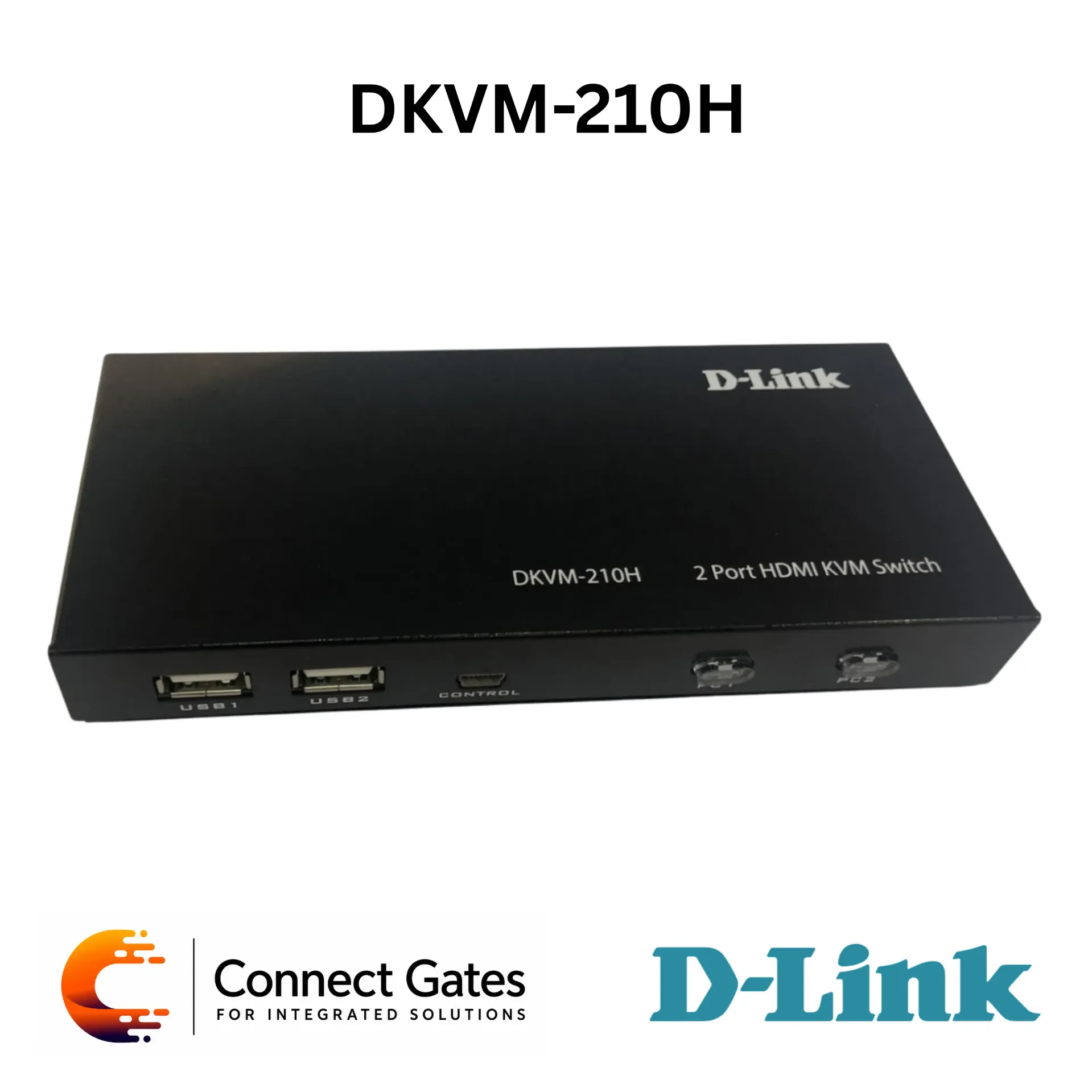
D-Link DKVM-210H – 2-Port KVM Switch with HDMI 2.0, USB Ports, 4K Resolution, Hotkeys, Front Panel Switching, Smart Desktop Controller & Autoscan Mode
Overview:
• The D-Link DKVM-210H is a 2-Port KVM Switch designed to manage two computers using one monitor, one keyboard, and one mouse.
• It supports HDMI and USB connectivity, making it suitable for users who need simple control of two PCs from a single workstation.
• Switching between computers can be done through the front panel buttons, keyboard hotkeys, or smart desktop controller.
• The device supports hot-plugging, allowing installation without turning off the connected computers.
• It requires no driver installation and can operate without an external power adapter by taking power from the USB port of the connected PC.
• The DKVM-210H also supports autoscan mode, which automatically switches to the next PC after the scan interval expires.
Key Features:
• 2-Port KVM Control: Manage two computers using one monitor, keyboard, and mouse.
• HDMI & USB Connectivity: Supports HDMI display and USB keyboard/mouse connections.
• Multiple Switching Methods: Switch using front panel buttons, keyboard hotkeys, or smart desktop controller.
• Hot-Plugging Support: Computers do not need to be powered off before installation.
• Autoscan Mode: Automatically switches between connected PCs after the scan interval.
• No Driver Required: Simple setup without driver installation.
• USB Powered: Can operate using power from the USB port of the connected PC.
• External Device Support: Includes two USB Type-A ports for connecting external USB devices.
• Metal Enclosure: Durable metal body suitable for workstation and office use.
• 4K Resolution Support: Supports up to 4096×2160 / 3840×2160 at 60Hz.
Technical Specifications:
• Product Type: 2-Port KVM Switch
• Model: DKVM-210H
• Connected PCs: 2
• Ports for KVM Cables: 2 × HDMI Ports, 2 × USB Type-B Ports
• Management Console Ports: HDMI Monitor Local, USB Type-A Keyboard Local, USB Type-A Mouse Local
• PC Cable Connectors: HDMI Connector, USB Type-A Connector
• External Device Ports: 2 × USB Type-A Ports
• Smart Desktop Controller Port: Mini-USB Type-B Port
• LED Indicators: 2 Port LEDs for Connected PCs
• Buttons: 2 Port Switching Buttons
• Enclosure: Metal
• Autoscan Mode: Supported
• Switching Methods: Front Panel Switching Buttons, Hotkeys, Smart Desktop Controller
• Sound Notification of Switching: Supported
• HDMI Version: HDMI 2.0, HDCP 2.2
• Resolution: Up to 4096×2160 / 3840×2160 @ 60Hz 4:2:0
• Power Supply: From USB Port on PC
• External Power Adapter: Supported when using external devices, not included in package contents
• Dimensions: 155 × 66 × 21 mm
• Operating Temperature: 0°C to 50°C
• Storage Temperature: -20°C to 60°C
• Operating Humidity: 0% to 80% non-condensing
• Order Information: DKVM-210H – 2-Port KVM Switch with HDMI and USB Ports
Applications:
• Managing two desktop PCs from one monitor, keyboard, and mouse.
• Office workstations that require switching between two computers.
• IT maintenance and service desks.
• Control rooms and monitoring desks.
• Small business environments where space saving is required.
• Users who need quick switching between two HDMI-enabled computers.
Connect Gates Recommendation:
• Connect Gates recommends the D-Link DKVM-210H for users who need to control two computers from one workstation without using multiple monitors, keyboards, and mice.
• It is a practical choice for offices, IT support desks, control rooms, and technical workstations where fast switching between two PCs is required.
• HDMI 2.0 and 4K resolution support make it suitable for modern displays and high-resolution work environments.
• Hotkeys, front panel buttons, and smart desktop controller support give users flexible switching options depending on the setup.
• This KVM switch is recommended when the customer needs a clean, simple, and reliable desktop solution for managing two HDMI computers with shared USB peripherals.
Documents